🌋 The Stromboli Project
Free 🪟 Windows

Clear Parrot Reader

The reader that still has the page you stopped on.

EPUB and PDF in one window. Close it mid-chapter and it opens there again — with your bookmarks, your highlights and the type size you chose, all kept on your own machine.

No account, no email, no licence key. Clear Parrot is free, and it stays free.

Windows desktop build · Linux experimental · no macOS build

Windows may show a SmartScreen warning on first launch — click More info → Run anyway.
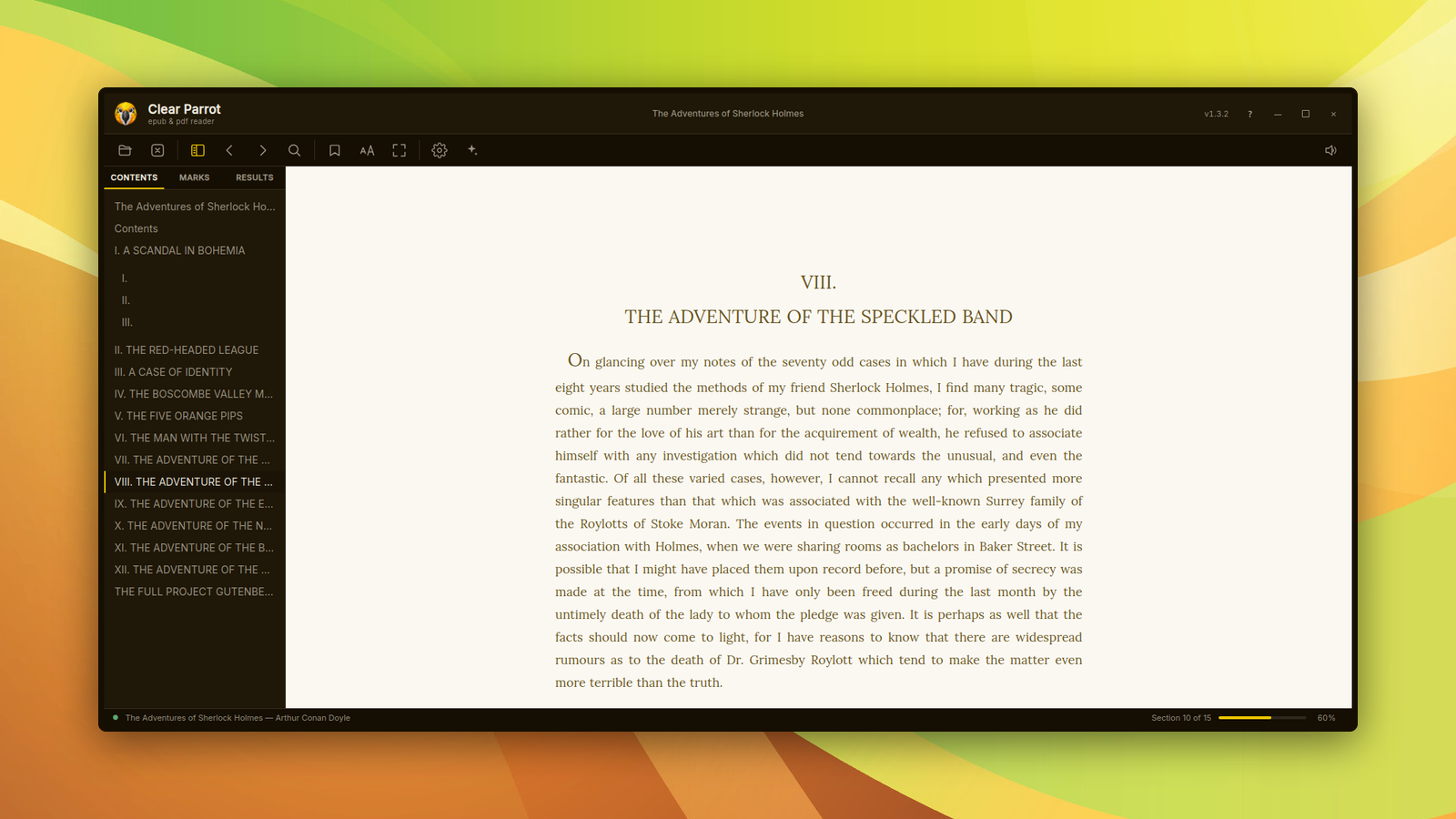
Clear Parrot with a novel open: the chapter filling the reading area, the contents panel on the left and the status bar showing the title, the section and how much is left.
Open the book and you’re back on the line where you stopped, with the contents one click away.

Clear Parrot is a desktop reader that never loses your place: the page, the line, the marks and the way you like the type, kept for every book you open.

Features

Two formats, one window, and everything you leave behind still there.

EPUB and PDF, in the same window.

  • The EPUB reflows to your type size; the PDF keeps its pages
  • Opens where you left it, at the line and not the chapter
  • Double-click a file in Explorer and it opens here
  • A second book reuses the window you already have open

Marks that stay where you put them.

  • Bookmarks keep a place; highlights keep the words
  • Anchored to the text, so changing the type size does not move them
  • Stored on your computer, never uploaded anywhere

Find it in the page, or in the whole book.

  • Ctrl+F searches what is on screen, as you type
  • The Results panel fills with every match in the document
  • Click a result and it lands on that exact occurrence

A page you can actually read at night.

  • Four page themes: cream, paper, sepia and night
  • Type size, typeface, line spacing and column width
  • In a PDF, night mode inverts text and leaves a photograph alone
  • Immersive mode hides everything but the page
  • Interface size: Normal, +30% or +50% — the menus grow, the page doesn't

AI you switch on, with your own key.

  • Off until you paste a Google Gemini key of your own
  • A recap of what you have read, and explain or translate a selection
  • It is only ever shown the part before where you are
  • Without a key the reader works in full and talks to nobody
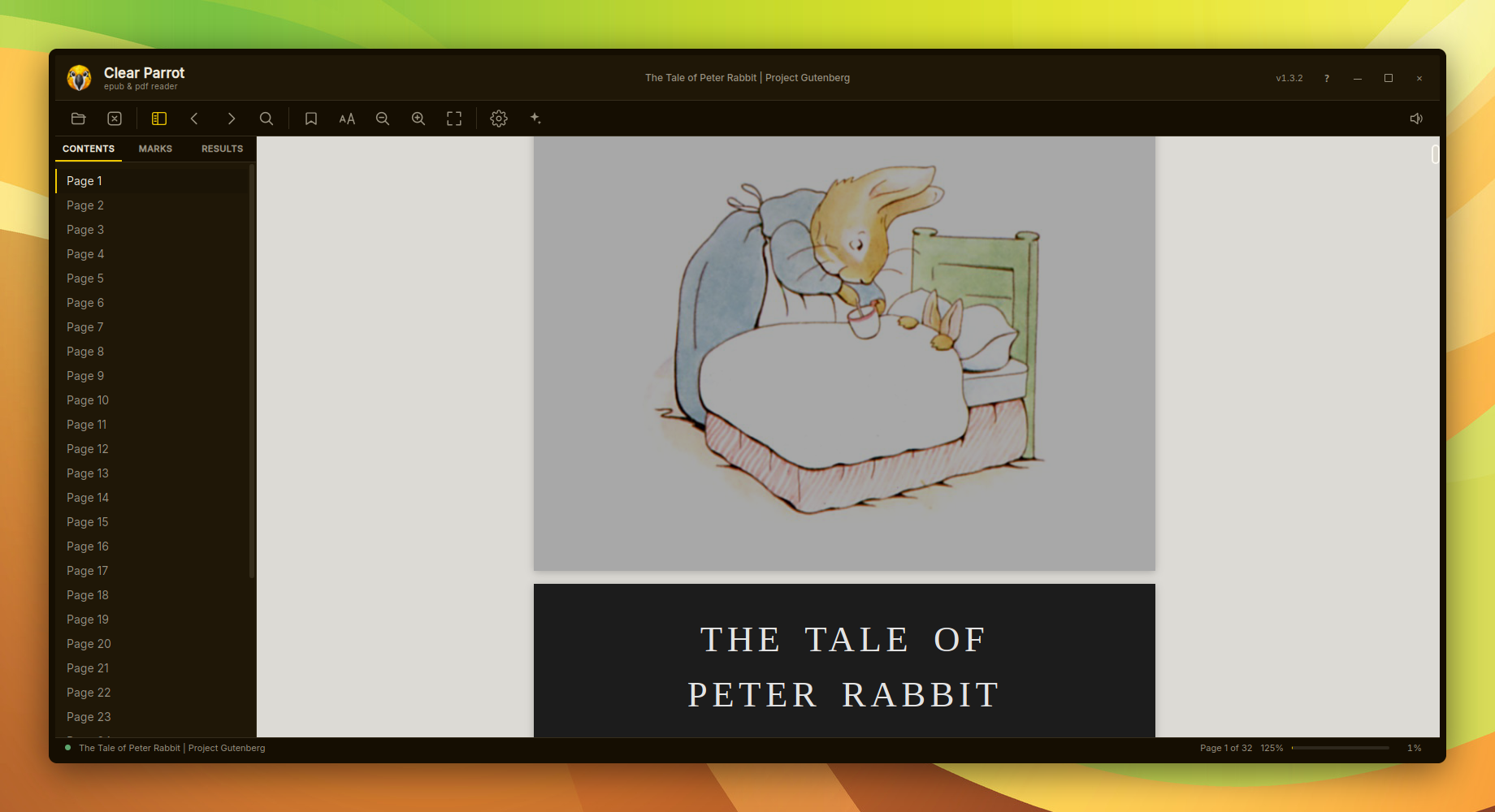
A PDF open in night mode: a page of text shown light on dark, and beside it a page with a colour illustration left as it was.
Night mode that darkens the text, not the pictures: illustrations keep their colours.

What you get

Three things the reader already on your machine does not do.

It reopens where you stopped

Not the chapter — the line. Position, bookmarks, highlights and your reading settings come back for every book you open.

Both formats, one reader

EPUB and PDF in the same window, each shown the way it should be: the book reflows, the document keeps its page.

Your books stay yours

No account, no cloud, no library uploaded anywhere. The AI is off until you add your own key, and never sees past where you are.

The one thing

Clear Parrot opens your books and PDFs right where you left off, with bookmarks and highlights that are easy to come back to. And, if you want it, a little optional AI: a recap of what you’ve read so far (never a spoiler), who that character was again, or a tricky passage in plain words.

— Javier, The Stromboli Project
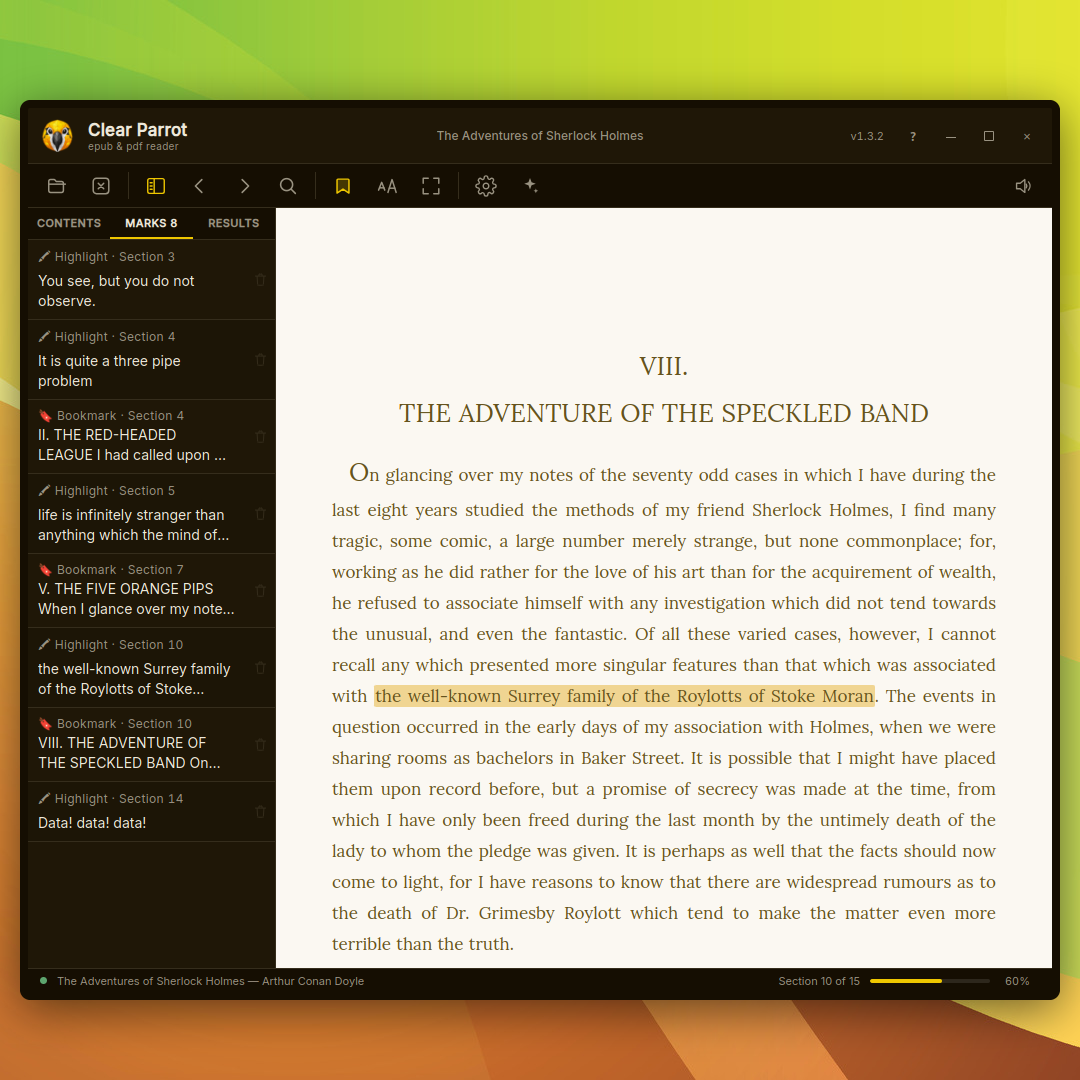
Clear Parrot back in The Adventures of Sherlock Holmes: the Marks tab lists eight bookmarks and highlights, and the highlighted passage is waiting in the chapter beside it.
Every bookmark and highlight in one list, ready to take you straight back to the passage.

Where it fits

For the book you read twenty minutes at a time.

It is the right tool when…

  • you read in short sittings and want to land back on the same line
  • your EPUBs and your PDFs are the same pile, not two piles
  • you mark things as you go and want the marks to still be there
  • you came back to a book weeks later and no longer remember where you were

What it needs

  • Windows 10 or 11. Nothing else to install
  • Linux: experimental packages, .deb and AppImage
  • macOS: no build. This is a Windows and Linux desktop app
  • Your own files — EPUB and PDF without DRM
  • A Gemini key only if you want the AI — the reader is complete without one

How it goes

Open it, read it, come back to it.

Nothing to set up and nothing to import: the file you already have on disk is the library, and the app remembers the rest.

  • Space and the arrows move the text; the side arrows change section
  • Ctrl+= and Ctrl+− resize the type in a book, the zoom in a PDF
Step 1 · Open Double-click an EPUB or a PDF, drop it on the window, or press Ctrl+O.
Step 2 · Read Set the type, the spacing and the page colour once; every book opens that way.
Step 3 · Come back Close it whenever. Continue Reading puts you back on the same line.
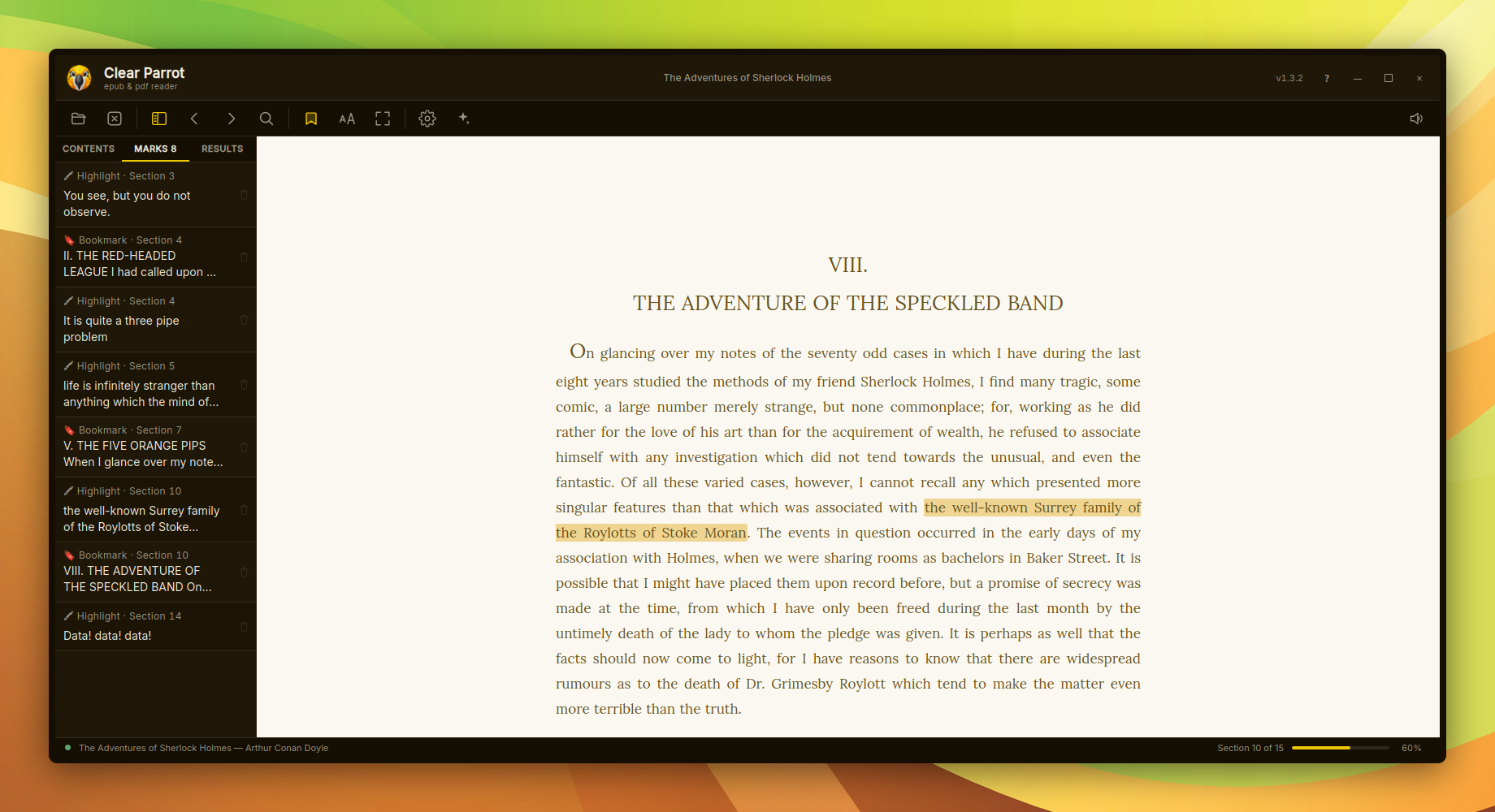
The side panel on the Marks tab, listing bookmarks and highlights of the open book, with a highlighted passage visible on the page beside it.
Mark a passage today, find it again next month with a single click.

Who it is for

People who read on the machine they already work on.

A novel in the evening, a manual at work, a paper you have to get through. The guide covers the same ground slowly: opening, marking, searching, the page settings and the optional AI.

Read the complete guide →

What it leaves out

A reader, and nothing else.

  • It does not manage a library: no folder indexing, no collections
  • No DRM — books locked by Adobe, Kobo or Amazon will not open
  • No conversion between formats, and it never edits the file you opened
  • No sync: no account, no cloud, no shared progress between machines
  • It does not read aloud

In the app

More screenshots

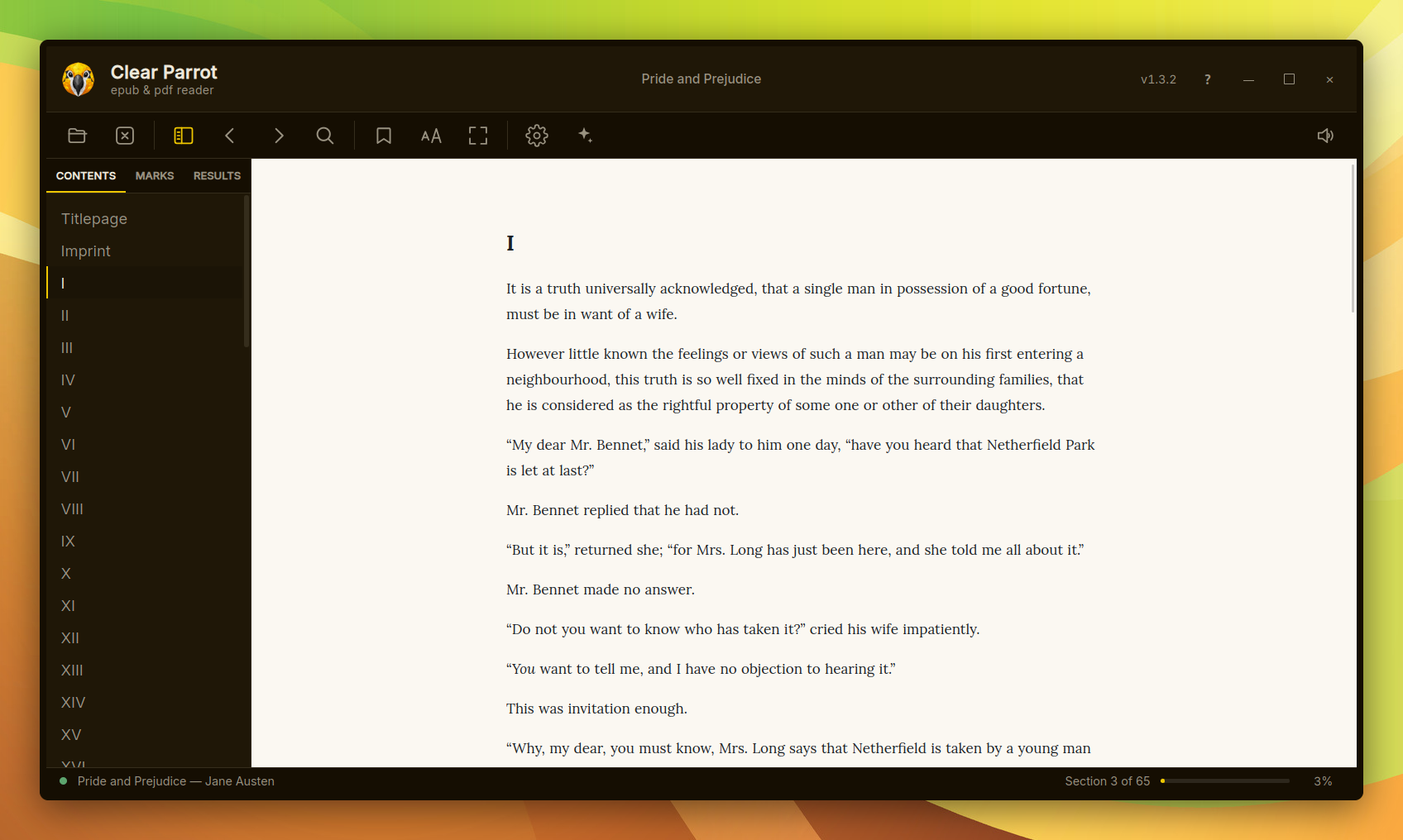
Chapter one of Pride and Prejudice, with the book's own contents beside it
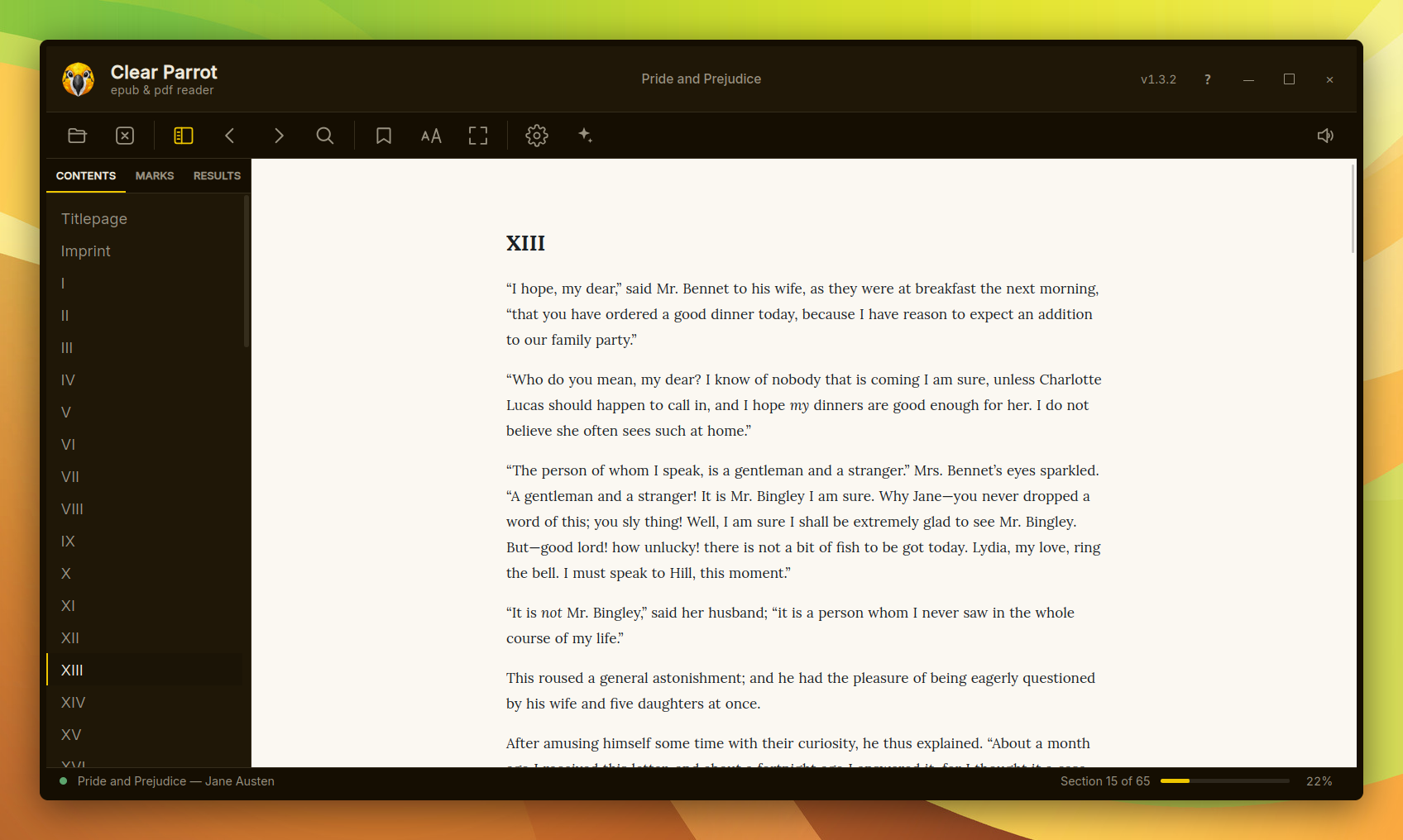
Jump to any chapter; the bar below shows how far in you are
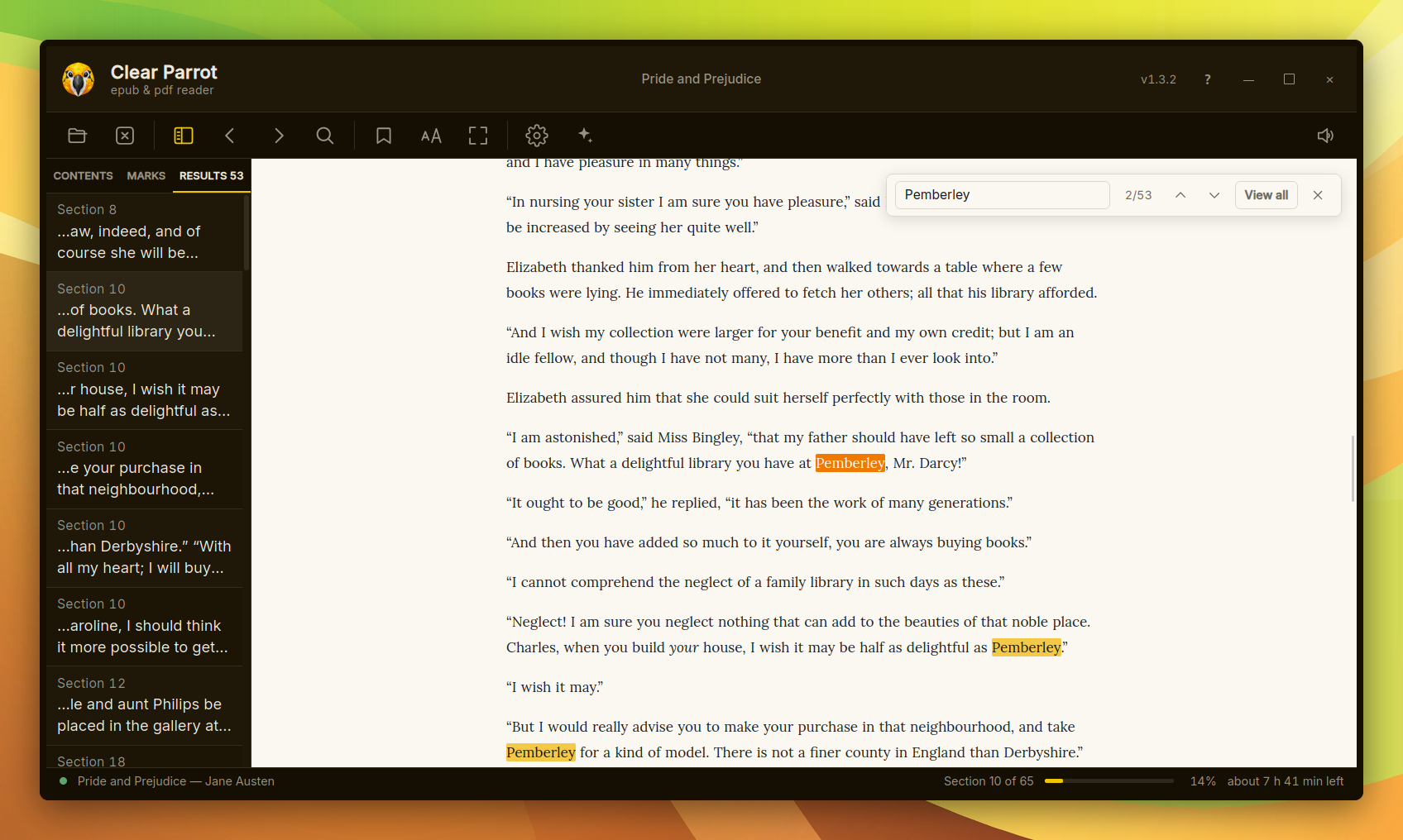
Search the whole book and see every match with its context
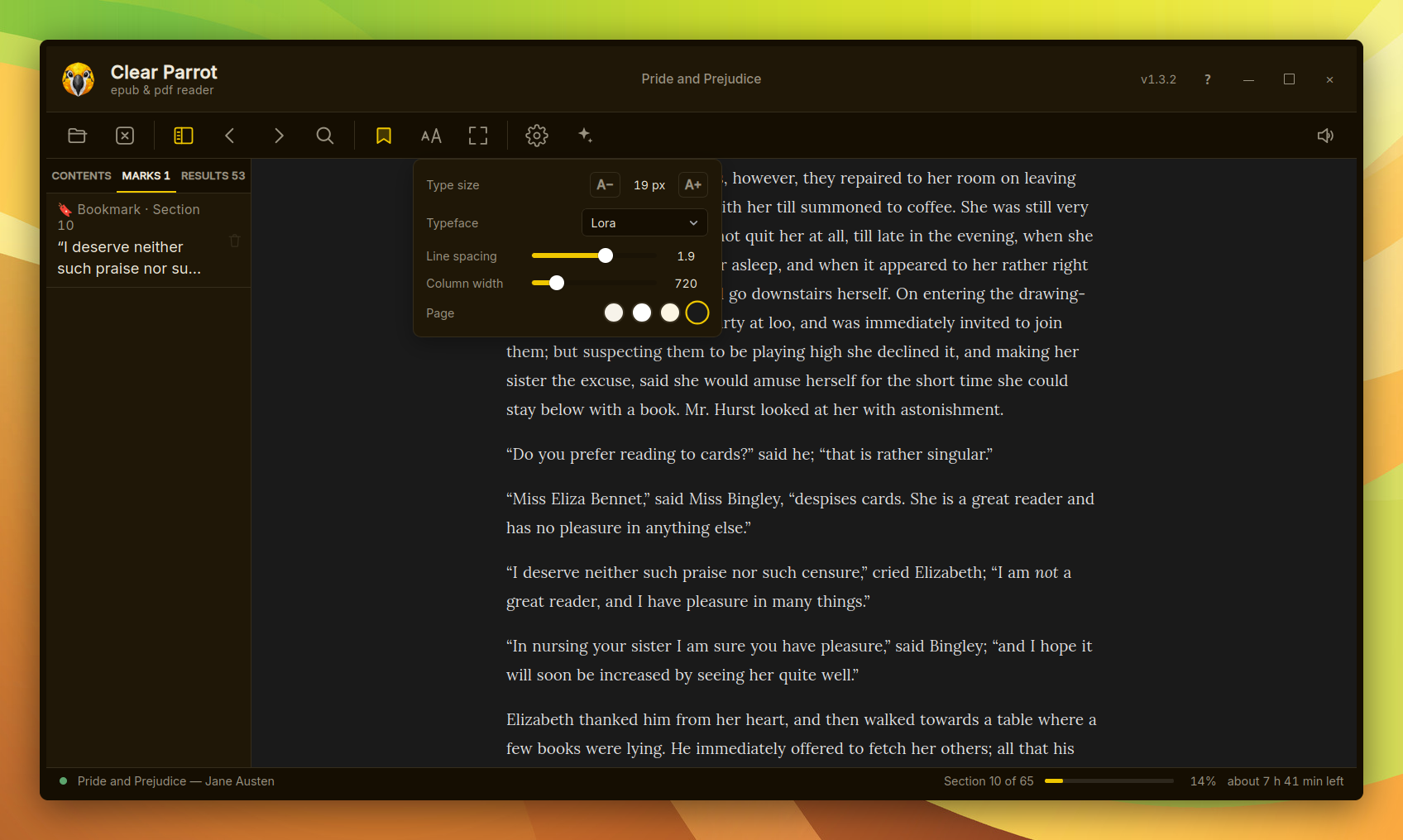
Bigger type and a night page for reading in the dark